A free, open-source yt-dlp GUI for Windows that downloads video from YouTube and 1000+ other sites. Paste one link or a whole list, choose the quality, and it downloads, merges, and remembers everything you've pulled down.
Requires Windows and the .NET 8 Desktop Runtime.
.txt file, and it queues every one of them.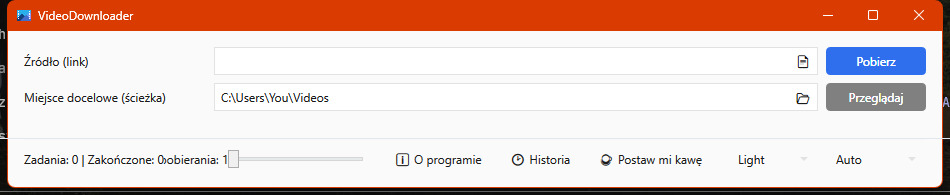
Yes. VideoDownloader is free, open-source software licensed under the GPLv2. There are no ads, no accounts, and no telemetry.
Any site supported by yt-dlp, which includes YouTube and over a thousand other video sites. VideoDownloader keeps its bundled yt-dlp up to date automatically on every start, so support for new sites and site changes arrives without reinstalling the app.
Videos are saved as MP4. The chosen video and audio streams are merged with the bundled FFmpeg, so the file plays in any standard media player.
Yes. Paste or drag-and-drop a list of links, or load them from a .txt file, and every link is added to the download queue. You can set how many downloads run at the same time.
Windows 10 or 11 (64-bit) and the .NET 8 Desktop Runtime. Install it with the .msi installer, or use the portable .zip and run VideoDownloader.Wpf.exe directly.
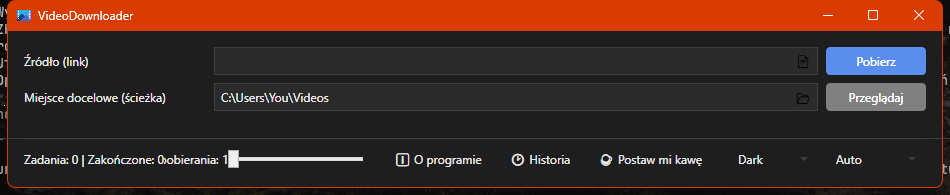
Yes. The interface is available in English and Polish. It follows your Windows language on first run, and you can switch it manually at any time.
Run the .msi installer, or grab the portable .zip and just run VideoDownloader.Wpf.exe. No account, nothing phones home.